
"Quick Answer: HubSpot cookies are small files stored in a visitor's browser that help your website remember who they are, track their behavior, and personalize their experience — all with their consent. When set up correctly inside HubSpot, they're one of the foundational building blocks of a data-driven RevOps strategy. They are not personal data collectors, and they do not track anyone without permission.„
One of the most common "techy" questions clients ask me is:
"Yoel, how exactly do HubSpot cookies work — and should I be worried about them?"
It's a totally fair question. And honestly? I didn't fully think through it myself until a client called me frustrated because their form fills weren't showing up in HubSpot. Turns out, their cookie consent banner was blocking the tracking pixel entirely. That conversation taught me more about cookies than any documentation ever did.
In my experience, cookie consent is the first thing I check on any new client audit — and it's misconfigured more often than you'd expect. Roughly 1 out of 10 setups I review have a broken or incomplete cookie banner. When it's broken, attribution is off, contact timelines are incomplete, and automation runs on bad data. Getting it right is one of the highest-leverage fixes on any HubSpot implementation.
So let's unpack it — in plain English, no jargon.
What are HubSpot cookies and how do they work?
Think of a cookie as a tiny digital sticky note your website leaves in a visitor's browser. It remembers simple details — like whether someone's filled out a form or visited your pricing page — so their next experience feels smoother and more relevant.
No hidden data grabs, no personal secrets. Just lightweight hints that help you better understand your audience's behavior.
Key takeaway: Cookies are a memory tool for better user experiences — not personal data collectors.
How does HubSpot use cookies on your website?
When your website runs on HubSpot, cookies quietly go to work improving every touchpoint. Here's what they actually do:
- Recognize return visitors — so HubSpot knows not to show someone the same form they already filled out last week.
- Track engagement — giving you a clear view of which pages or campaigns your visitors respond to most.
- Personalize content — so returning users see messages and offers that fit where they are in their journey, not generic one-size-fits-all templates.
This kind of insight helps you stop guessing and start improving based on real user behavior. In short: cookies help HubSpot show you what's working and what's not.
Are HubSpot cookies a privacy risk?
No — but only if you set them up properly. HubSpot gives you complete control over how consent is collected and managed. Every HubSpot site includes built-in tools for cookie consent management — the banners or pop-ups that ask visitors for permission before any tracking begins.
Your visitors can opt in, opt out, or update their preferences at any time. Nothing is tracked without their go-ahead. That means you stay compliant with data privacy laws like GDPR and Israel's Privacy Protection Regulations, while still learning from your audience in a transparent, ethical way.
Pro tip: Set up your cookie banner with clear, human-friendly language. Set rules by region, and always prioritize visitor choice over data collection.
Why does any of this matter for revenue growth?
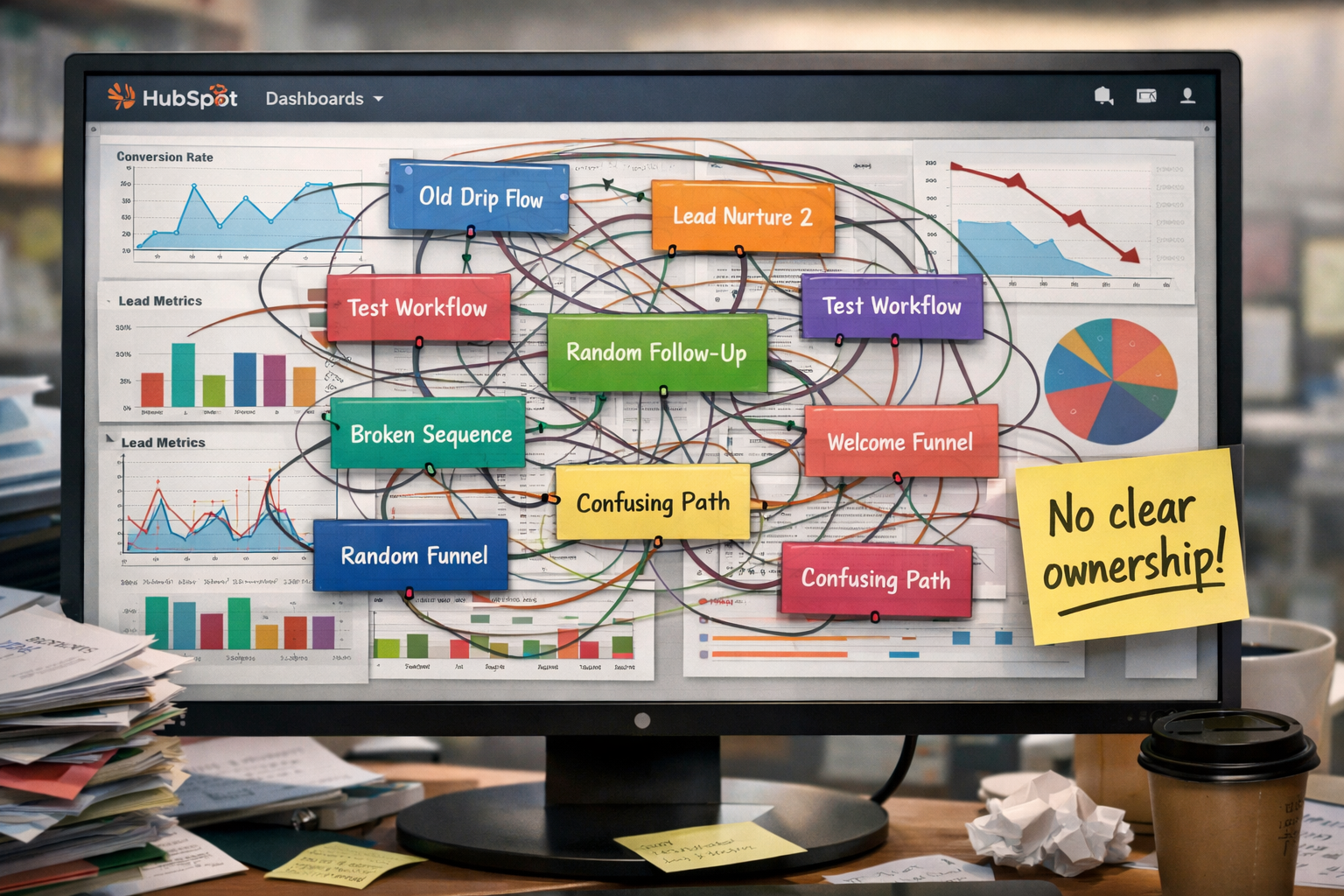
Here's where it gets exciting — at least for a RevOps geek like me. Cookies are actually one of the first pieces of your HubSpot data foundation. Without them working correctly, your attribution is broken, your contact timelines are incomplete, and your automation triggers on stale or missing data.
When they are working, the benefits stack up fast:
-
Pinpoint friction points in your customer journey before they cost you deals
-
Align your marketing, sales, and service teams around real, shared behavioral data
-
Deliver more relevant content that builds trust and shortens your sales cycle
In other words, cookies aren't just a technicality — they're one of the smallest and smartest pieces of your entire RevOps puzzle.
My Takeaway as a HubSpot Consultant
I think of cookies as friendly digital breadcrumbs. When handled ethically and set up correctly, they help you create stronger customer experiences and smarter business decisions. They're not about tracking people — they're about understanding behavior. And understanding behavior is the heartbeat of growth-focused RevOps.
Ready to Make HubSpot Work Smarter for You?
If this sparked an "aha" moment and you'd like to go deeper, let's talk. At Growth Driven Solutions, we help startups and scaling businesses build HubSpot systems that actually drive results — from cookie consent setup to full RevOps architecture.
👉 Book a quick consult or send me a message directly. Let's build something that works with your visitors, not against them.
Frequently Asked Questions
Does HubSpot track website visitors without their consent?
No. HubSpot's tracking tools respect the consent choices made through your cookie banner. If a visitor declines cookies, HubSpot will not begin tracking their session. This is especially important for businesses operating under GDPR or similar privacy regulations.
What is the HubSpot tracking cookie called?
HubSpot uses three primary tracking cookies: __hssc, __hssrc, and __hstc. These are first-party cookies placed directly by your HubSpot-powered website — not third-party trackers — and they capture session data, visitor identity across sessions, and returning visitor status respectively.
How do I set up a cookie consent banner in HubSpot?
You can create and manage your cookie consent banner inside HubSpot under Settings → Privacy & Consent → Cookie Policy. From there you can customize the banner text, set behavior rules by region, and configure which categories of cookies visitors can accept or decline.
What happens to my HubSpot data if a visitor declines cookies?
If a visitor declines, HubSpot will not associate their session behavior with a contact record. Form submissions may still be captured depending on your settings, but anonymous pageview tracking will be suppressed until consent is granted.
Can I connect my HubSpot cookie data to my CRM and RevOps workflows?
Absolutely — and this is where the real value lives. When cookies are working correctly, HubSpot ties anonymous visits to known contacts the moment they fill out a form, building a full behavioral timeline that powers smarter automation, lead scoring, and sales outreach.